You Did Everything Right — And Your Supply Chain Got Compromised Anyway
Picture this.
You're a senior engineer at a company that takes security seriously. You follow the dependency hygiene rules the industry has drilled into teams for years. A dependency bot opens pull requests every Tuesday morning. You pin your software versions, you never use :latest. You've set up least-privilege service accounts, require code review on every change, and scan every container for vulnerabilities. You even read the changelogs.
A pull request lands on a Tuesday morning. A small version bump for your vulnerability scanner: chore: bump trivy-action to v0.35.0. A patch bump on a trusted tool. The CI says all checks are green, the changelog seems reasonable. Safe to merge?
You hit merge.
Within minutes, every secret in your CI environment is in the attacker's hands. The scanner you trusted to find vulnerabilities became the vulnerability.
That's not hypothetical. That's what happened to dozens of organizations on March 19, 2026, when attackers compromised Trivy, one of the most widely used security scanners for containers, and turned it into a delivery mechanism for a professional credential stealer.
Part 1: You Did Everything Right - And It Happened Anyway
This isn't a story about negligence. Teams that were doing the right things (such as, using a dependency bot, pinned image versions, code reviews, following least privilege, vulnerability scanning, ...) still got hit. This attack wasn't aimed at their code. It was aimed at a tool they trusted.
This isn't a one-off. And the intervals are shrinking.
The Trivy attack was March 19. Within weeks, SAP's open-source packages and PyTorch Lightning were compromised by the same playbook. In mid-May, the first self-spreading worm infected 172 packages in 48 hours — and its source code is now public for any attacker to reuse. Days later, an automated campaign injected malicious changes into over 5,500 GitHub projects in six hours, a hijacked maintainer account published 637 poisoned package versions in 22 minutes, and GitHub itself confirmed ~3,800 internal repositories stolen after a malicious editor extension harvested an engineer's credentials.
Then came TrapDoor on May 22. It plants hidden instruction files that AI coding assistants read as configuration. The instructions try to trick the AI into running a fake "security scan" that actually steals credentials. If the assistant complies without human oversight, it does the attacker's work for them. The AI assistant in your editor is now part of the attack surface.
This is why we already wrote a post about AI-assisted development and the importance of human oversight in engineering workflows - without human verification, autonomous actions can result in gaps that these attacks exploit.
Auto-execute primitives keep moving. The list will never be complete.
Part 2: How the Attack Worked
The trap: a one-line misconfiguration
GitHub lets projects run automated jobs when someone proposes a change. There are two ways to trigger these jobs, and they look almost identical:
- •The safe one (
pull_request) runs the proposed code in a sandbox with no access to the project's secrets.
- •The dangerous one (
pull_request_target) runs with full access to the project's secrets and it's just a single configuration word that makes the difference.
The Trivy project used the dangerous one in a way that ran the contributor's code with full privileges. So an attacker simply proposed a change containing malicious code, and it executed with every project secret available. One network request was enough to steal them all.
What got stolen was a long-lived access token, a kind of permanent password used to push code across the organization's projects. With it, the attacker could write to everything.
Once a compromise is detected, the instinct is to rotate credentials. But the order matters more than most people realize.
The correct way is to do an atomic rotation. Lock everything first, audit for persistence, and only then issue new credentials. Treat the entire org as compromised, not just one credential.
What got compromised
The most obvious damage: malicious versions of the tool were pushed to the public registry. If your pipeline downloaded it during the attack window, you ran the attacker's code.
But it went deeper. The attackers silently rewrote (force pushed) 75 of the tool's 76 version labels to point at the malicious code. Even teams who had "pinned" a specific version got the bad one. A version label is just a movable sticker, not a guarantee.
Worse still, the project's own legitimate build system compiled and signed the malicious version. There was no suspicious build to detect, because the trusted pipeline did the attacker's work.
And the real prize was everything downstream: every secret in every victim's build environment, cloud credentials, access tokens, SSH keys, infrastructure configs. All of it in scope.
The theft itself
The malicious code ran before the real scanner. Trivy still scanned your containers, still reported success. The theft happened silently in parallel, in three stages: first a sweep of environment variables (cloud credentials, API keys for services like Stripe, Slack, and OpenAI), then a sweep of the filesystem (SSH keys, cloud config files, environment files, even shell history), then everything encrypted and sent out.
The encryption was done properly so only a key on the attacker's own servers can unlock the stolen data. The defender takeaway: once your credentials leave the network, they're gone. There's no getting them back.
Exfiltration Channels
The primary channel was a lookalike/typosquatted C2 domain: scan.aquasecurtiy.org (note the missing "i"). Easy to miss in a log when your eye reads "aquasecurity".
The fallback was clever: if outbound traffic was blocked, the malware created a public repository on the victim's own GitHub account and uploaded the encrypted loot there. GitHub is on nearly everyone's allowlist. Blocking known-bad domains doesn't stop an attacker who uses legitimate infrastructure as a courier.
Attack Vectors Are Changing
Across the attacks since March, four distinct delivery mechanisms have emerged:
- malicious install scripts that run automatically when developers add a package;
- hidden editor configuration files that re-run the stealer every time someone opens a project;
- spreading through cloud infrastructure once credentials are in hand; and
- malicious editor extensions pushed straight to developer machines via auto-update, bypassing code review entirely — the route behind the GitHub breach.
The list of known attack vectors will never be complete.
Part 3: Defending Yourself
The defense model has three layers: don't let it in, limit the damage, and enforce at deployment.
Layer 1: Don't Let It In
Time quarantine. Most malicious package versions are spotted within hours and removed within days. If your update bot waits two weeks before applying new releases of security-critical packages, most attacks never reach you. Both major update bots now support this natively.
IDE extension hold. Turn off auto-update and update on a deliberate schedule. Extension marketplaces have no review gate between publish and delivery and the IDE extension behind the GitHub breach was live for only ~18 minutes.
Disable lifecycle scripts. Package managers let you turn off the scripts that run automatically during installation. This is the vector behind several of these attacks. A handful of packages legitimately need them; allowlist those.
Guard auto-merge. Automatically merging small version bumps is fine for most code. But require a human to look at any change that touches build pipelines, install scripts, base images, or AI-assistant configuration files.
Honest limits: none of this is bulletproof. Some malicious versions live undetected for weeks, and each control closes only some doors. Hygiene is the first line, not the only one.
Layer 2: Limit the blast radius
Kill permanent credentials. The biggest prize in these attacks is a long-lived key sitting in a build environment. Modern cloud platforms support workload identity federation. Instead of a permanent key, each build job gets a temporary credential proving "I am this specific workflow, on this specific branch," valid for one hour. Steal it and you get sixty minutes of narrow access instead of permanent keys to the kingdom. This wouldn't have prevented the initial Trivy foothold, but it dramatically changes what the attacker walks away with.
Control outbound traffic. Build machines should only be able to reach the handful of services a build actually needs. This would have blocked the lookalike domain, though not the GitHub fallback. Egress controls raise the cost of theft; they don't eliminate it. Pair them with network logs retained for 90+ days, because the first question in any incident is "what did our machines talk to?" and you can only answer if you logged it.
Log what you run. Record every container image your systems execute, with its exact fingerprint and timestamp. When an advisory drops, "did we run this?" needs an answer in minutes, not days.
Use a private registry. Don't pull software directly from public registries. Route through your own proxy as a single choke point where you can enforce policies.
Layer 3: Enforce at Deployment (Binary Authorization)
Here's the uncomfortable question: when you download a tool by name and version, what are you actually trusting? The registry, the publisher, and a version label that anyone with publish access can silently move. In the Trivy attack, teams that pinned specific versions got the malicious code anyway, because the labels themselves were rewritten.
The minimum fix: pin by image digest. Every piece of software has a cryptographic fingerprint (a "digest") derived from its exact contents. If the contents change, the fingerprint changes, and the download fails. Reference third-party software by fingerprint, not by version label. Update bots can manage this automatically.
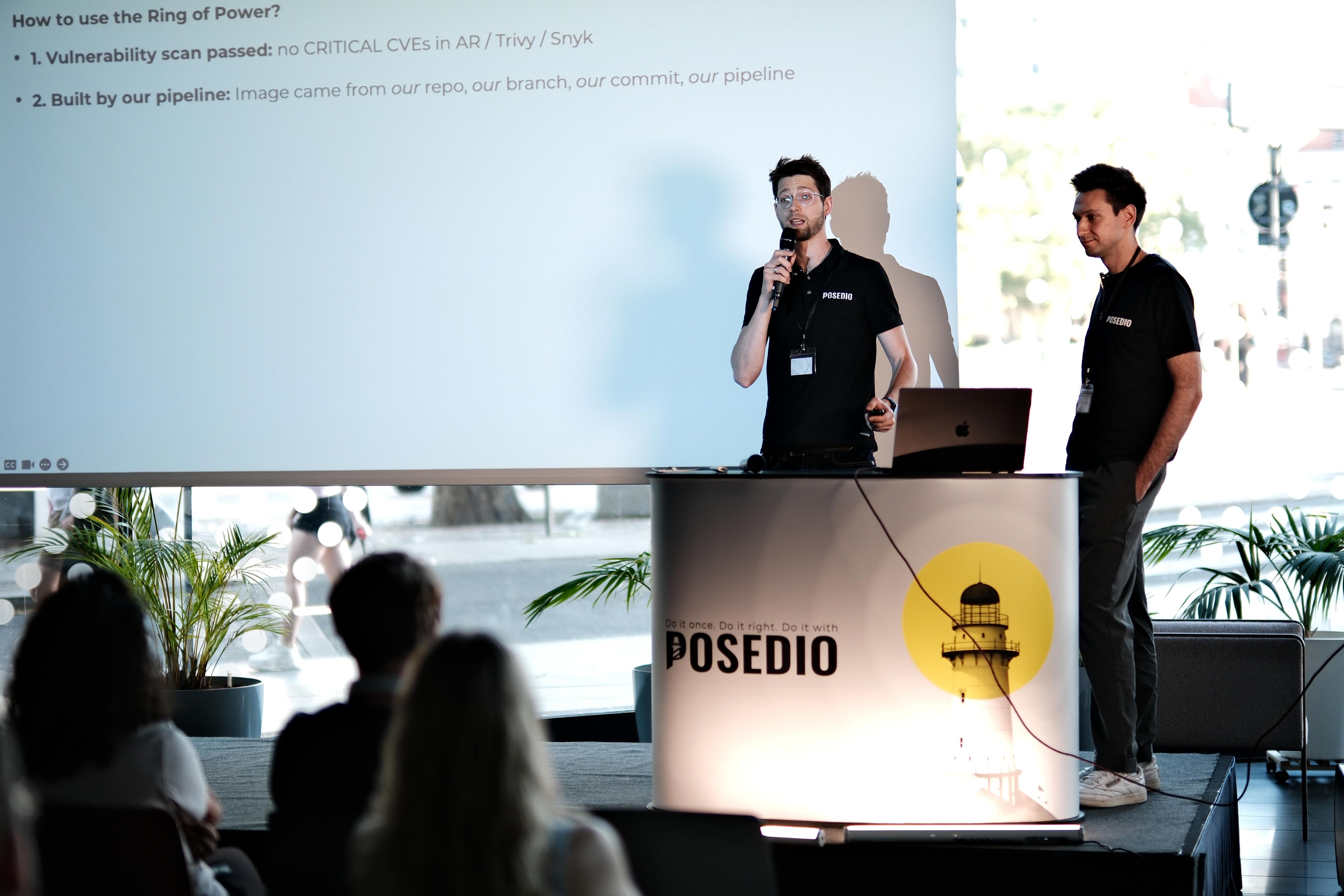
The full fix: require signatures at the door. Cloud platforms offer admission control: production systems refuse to run any software that hasn't been cryptographically signed by your own pipeline after passing your own checks, vulnerability scan clean, built from your repository, approved by a release manager, whatever you define. An attacker who compromises a dependency produces an unsigned image, and an unsigned image simply doesn't run. The previous version keeps serving; production is unaffected.
Without this, you're trusting the right thing was deployed. With it, you're enforcing it.
Part 4: The Takeaway
Seven Things to Ship This Quarter
None of these are exotic. Each one shrinks the blast radius.
- Delay updates - wait 14 days before applying new releases of security-critical packages; disable extension auto-update
- Disable automatic install scripts - allowlist the few packages that need them
- Pin by fingerprint, not version label - for anything you didn't build yourself
- Replace permanent credentials with short-lived ones in your build systems
- Require signed software at deployment
- Restrict and log outbound traffic from build machines, retained 90+ days
- Log every image you run - be able to answer "did we run this?" in minutes
Treat it as a framework, not a checklist. Update the map every time a new vector appears.
Verify Everything - Including Your Verifiers
Supply chain attacks can happen to anyone. The rules most teams rely on, like update bots, version pinning, code review, vulnerability scanning, were all designed for a world where the tools themselves were trustworthy. When the build pipeline is the compromise point, those rules don't apply.
The good news: the attack has multiple phases, and the attacker needs every one of them to succeed. You only need one to fail. That's the question to ask of every defense: which phase does this close?
The list of attack vectors will never be complete. A few months ago ago, nobody thought of AI-assistant configuration files as an attack surface. Now they are. The next vector will be somewhere else.
So stay humble, stay layered, and verify everything. Including your verifiers.